Why Is My Smart Water Bottle Glow Sensor Not Tracking Liquid Levels?
Smart water bottles promise to make hydration simple. They glow, they remind, and they sync your intake to your phone. But what happens when that glowing sensor stops doing its job?
You sip your water, and the app shows zero progress. The puck stays silent. The bottle feels more like a regular tumbler than a smart gadget.
This problem frustrates thousands of users every day. The good news is that most glow sensor issues have simple fixes you can do at home. You do not need to ship the bottle back or buy a new one. You just need to know where to look and what to try first.
Key Takeaways
- Dirty sensors cause silent tracking failures. Mineral buildup, sugar residue, and soap film coat the puck and block liquid detection. A gentle weekly cleaning with a dry microfiber cloth solves most accuracy problems.
- A low battery often mimics a broken sensor. Many users blame the hardware when the real issue is a drained puck that needs a full charge cycle to wake up the glow function again.
- Bluetooth pairing errors stop data sync, not detection. Your bottle may still track sips, but if it cannot talk to the app, the numbers never show up. Unpair and repair to restore the link.
- Firmware updates fix bugs but sometimes create new ones. Always run the latest update, and if a new release breaks tracking, reset the bottle and reconnect from scratch.
- Wrong liquid types confuse the sensor. Pulp, ice, sparkling water, and thick drinks like protein shakes can trigger false readings or no readings at all. Stick to plain water for the best accuracy.
- Calibration drifts over time. Sensors lose precision after months of use. A factory reset followed by a fresh calibration brings them back to baseline performance.
How the Glow Sensor Actually Works
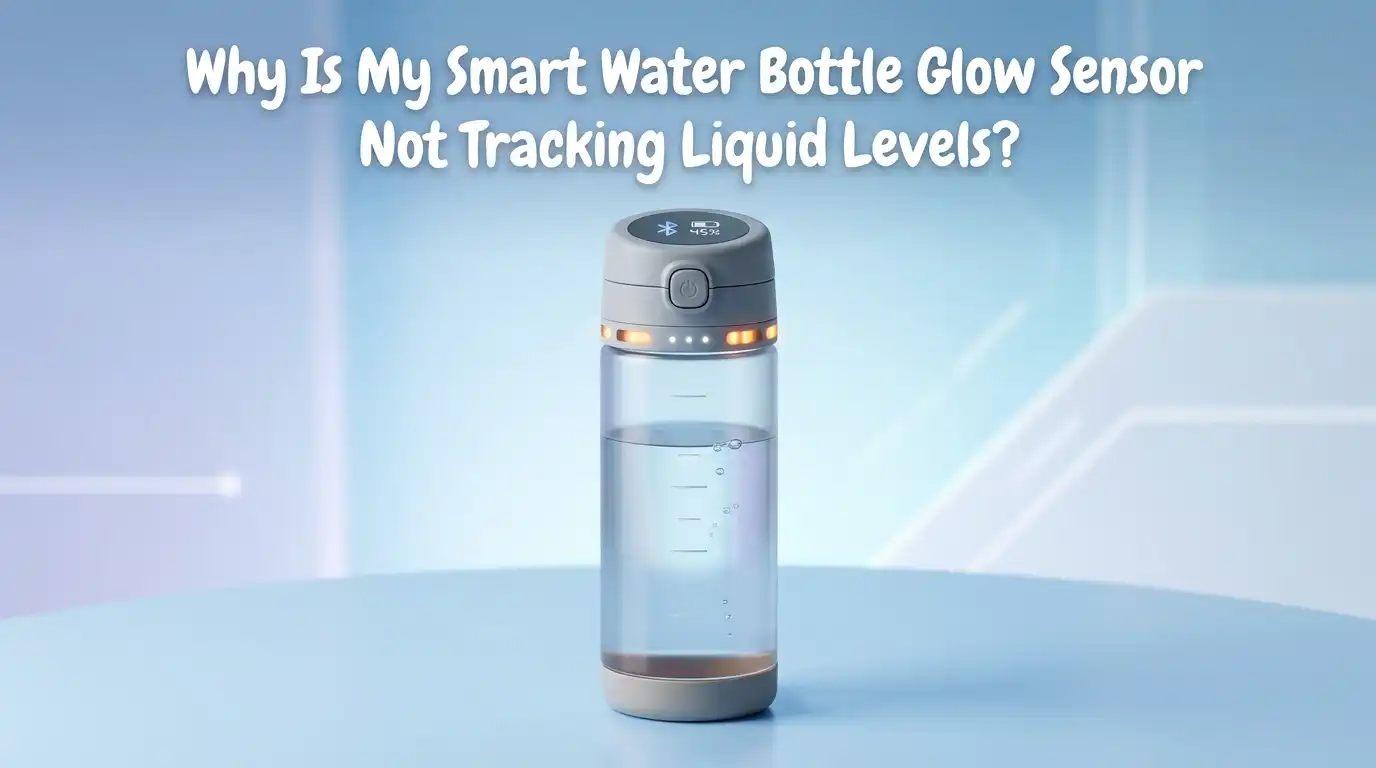
The glow sensor inside a smart water bottle uses a small puck at the base. This puck holds a microcontroller, a battery, an LED ring, and a capacitive or pressure based sensor. It measures how much liquid sits above it. When you drink, the sensor detects the change in weight or capacitance.
The LED ring then lights up to remind you to drink. It also sends the data to your phone through Bluetooth. The puck is the brain of the whole system. If anything blocks it, drains it, or confuses it, the tracking stops. Knowing this helps you target the right fix instead of guessing.
Check the Battery Before Anything Else
A dead or weak battery is the most common cause of a silent glow sensor. The puck needs power to detect liquid and to flash. If the charge drops below a certain level, the bottle keeps the lights off to save energy. You may still see a Bluetooth signal, but the tracking will stall.
Pull out the puck from the base of the bottle. Open the charging port and plug in the USB cable. Most pucks pulse green while charging and turn solid when full. Let it charge for at least two hours before testing again. A full charge usually lasts seven to ten days under normal use.
Pros: This fix is free, takes no tools, and solves the issue for most users.
Cons: If the battery itself is degraded after years of use, charging will not help and you may need a replacement puck.
Clean the Sensor Surface Thoroughly
Water leaves behind minerals. Juice and electrolyte drinks leave behind sugar. Over time, this residue forms a thin film on the top of the puck. The sensor cannot read liquid levels through this film. The result is missed sips and zero progress in the app.
Remove the puck and wipe the top with a dry microfiber cloth. For tough buildup, use a cotton swab dipped in white vinegar. Never submerge the puck unless the maker confirms it is waterproof. Clean the sensor area at least once a week for steady accuracy.
Pros: Quick, cheap, and prevents future tracking failures.
Cons: You must remember to do it regularly, and aggressive scrubbing can scratch the sensor surface and cause permanent damage.
Restart Your Bottle and Phone
Software glitches happen on both ends. Your phone may freeze the Bluetooth stack. The bottle may lock up after a long sync session. A simple restart clears the memory and forces a fresh connection. This step fixes a surprising number of tracking issues.
Press and hold the button on the puck until the LED blinks blue. This signals a soft reset. Then turn your phone off, wait ten seconds, and turn it back on. Open the hydration app and wait for the connected status to appear on the home screen. Restarting both devices at the same time gives the best results.
Pros: Takes under two minutes and requires no technical skill.
Cons: The fix may be temporary if the root cause is a deeper firmware bug or a hardware fault.
Unpair and Repair the Bluetooth Connection
A stuck Bluetooth profile blocks data sync even when the sensor works fine. Your bottle may track sips internally but never push them to the app. You see a connected icon but no numbers. This false connection is one of the most reported issues with smart bottles.
Go to your phone Bluetooth settings. Find the bottle in the paired devices list and tap forget. Open the hydration app and remove the bottle from your account. Then start the pairing flow again from scratch. A fresh pair clears old data tokens and lets the bottle stream new readings without conflict.
Pros: Resolves most sync errors and refreshes the data pipeline.
Cons: You lose any unsynced intake history stored only on the puck, and the setup takes about five minutes.
Update the Firmware Carefully
Firmware controls how the sensor reads water and how it talks to the app. Outdated firmware often causes drift, lag, or random tracking gaps. Brands push regular updates to fix these bugs. Skipping updates is a leading cause of slow performance over time.
Open the hydration app and look in the settings menu for a firmware section. Tap update and keep the bottle close to your phone. Do not move the bottle during the install. A full firmware update can take five to ten minutes depending on the size of the patch.
Pros: Brings new features, fixes known bugs, and extends the life of the puck.
Cons: A failed update can brick the bottle, and some recent updates have caused new tracking issues that take weeks to patch.
Reset the Bottle to Factory Settings
If cleaning, charging, and updates all fail, a factory reset is the next step. This wipes all stored data and returns the puck to its out of the box state. It also clears any corrupted calibration values that may be throwing off the readings.
Hold the puck button for ten to fifteen seconds until the LED flashes a different color, usually red or rapid white. Release the button and wait for the bottle to power cycle. Then pair it again like a new device. A factory reset solves stubborn tracking problems that no other step can fix.
Pros: Clears every software issue at once and gives you a clean start.
Cons: You lose your local intake history, and you must reconfigure your goals and reminder times from scratch.
Avoid Liquids That Confuse the Sensor
Smart bottle sensors are tuned for plain water. They struggle with other liquids. Pulp in juice scatters the signal. Carbonation in sparkling water creates bubbles that read as false sips. Protein shakes leave a thick coating on the puck. Ice cubes shift weight in unpredictable ways.
Stick to filtered or tap water for accurate tracking. If you want flavor, use clear electrolyte powders that dissolve fully. Rinse the bottle right after using any non water drink so residue does not harden on the sensor. Some brands now support multi liquid modes, but accuracy still drops compared to plain water.
Pros: Keeps tracking precise and protects the sensor from buildup.
Cons: Limits the variety of drinks you can log, which may frustrate users who want to track all fluids.
Check the Temperature and Storage Conditions
Extreme heat and cold affect the sensor electronics. A bottle left in a hot car can warp the seal around the puck. A bottle stored in a freezer can crack the internal components. Both situations lead to tracking errors that look like sensor failure.
Keep your bottle in a normal indoor temperature range between forty and ninety degrees Fahrenheit. Avoid direct sunlight for long periods. Never put the puck in the dishwasher or microwave, even if the bottle body is dishwasher safe. Hand wash the body and dry it fully before reattaching the puck.
Pros: Extends the life of the sensor and prevents permanent damage.
Cons: Requires you to change daily habits, like not leaving the bottle in the car during a hot afternoon.
Inspect the Seal and Threading
A loose puck creates a gap between the sensor and the water. Even a tiny gap throws off the liquid level reading. Worn rubber seals also let water seep into the puck housing and damage the electronics. This is a slow problem that gets worse over weeks.
Unscrew the puck and check the rubber gasket. Look for cracks, stretches, or missing pieces. Replace the seal if you spot any damage. Screw the puck back in firmly, but do not overtighten because that can strip the threads. A snug fit ensures the sensor sits flat against the water column.
Pros: Cheap to fix with a replacement gasket from the maker.
Cons: Hard to spot small leaks early, and once water gets inside the puck, the damage is usually permanent.
Recalibrate the Sensor Manually
Some smart bottles allow manual calibration through the app. This feature lets you tell the sensor what a full bottle and an empty bottle look like. Over time, sensors drift, and a fresh calibration brings them back to true readings.
Open the app and look for a calibration option in the bottle settings. Fill the bottle to the top and confirm. Then empty it fully and confirm again. The app uses these two values to set the new baseline. Recalibrate every two to three months for steady accuracy, especially if you notice readings that look off.
Pros: Restores precision without a full reset and keeps your history intact.
Cons: Not all brands offer this feature, and the process can take ten minutes if you must repeat steps.
Contact Customer Support or Replace the Puck
If none of the above steps work, the puck itself may be faulty. Hardware fails. Batteries swell. Sensors die. Most makers offer a one or two year warranty that covers these defects. Do not throw the bottle away before checking your options.
Email or chat with the brand support team. Share your serial number, purchase date, and a short video of the issue. Most brands replace defective pucks for free within the warranty window. Out of warranty users can buy a replacement puck that fits the same bottle body for a fraction of the cost of a new set.
Pros: Solves hardware faults that no fix at home can address.
Cons: Replacement pucks cost money out of warranty, and shipping can take one to two weeks.
Frequently Asked Questions
Why does my smart bottle glow but not track water intake?
The LED ring and the liquid sensor run on different circuits. The glow can work even when the level sensor fails. This usually means the sensor surface is dirty or the calibration has drifted. Clean the puck first and then recalibrate through the app.
How often should I charge the puck?
Most pucks last seven to ten days on a full charge. Heavy users with many reminders may need to charge every five days. Set a weekly reminder on your phone so the battery never drops to zero, which can shorten its lifespan over time.
Can I use my smart bottle without the app?
Yes, but you lose tracking and reminders. The bottle works as a regular water container. The puck still glows if it has battery and the schedule is preset, but no data syncs anywhere. You need the app to log intake and adjust goals.
Does hot water damage the glow sensor?
Yes, most smart bottle pucks are rated for cold and room temperature liquids only. Hot water can melt seals and warp the sensor housing. Check your bottle manual for the exact temperature limit, which is usually below one hundred and twenty degrees Fahrenheit.
Why does my bottle log water I did not drink?
Phantom sips happen when the bottle moves a lot. Shaking, dropping, or tossing the bottle in a bag shifts the liquid and tricks the sensor. Turn on the motion filter in the app if your brand offers one, and store the bottle upright when not in use.
Is it safe to put the puck in water?
Only if the maker labels it as waterproof. Most pucks are splash resistant on the sensor side but not on the charging port side. Wipe with a damp cloth instead of rinsing under the tap. Water inside the charging port often kills the battery for good.

Hi, I’m Pearl Standen, the voice behind The Web Utility. I’m a passionate tech enthusiast who loves exploring the latest gadgets, smart devices, and electronics that make everyday life easier. Through my website, I share honest, well-researched reviews of trending Amazon products to help you make smarter buying decisions.