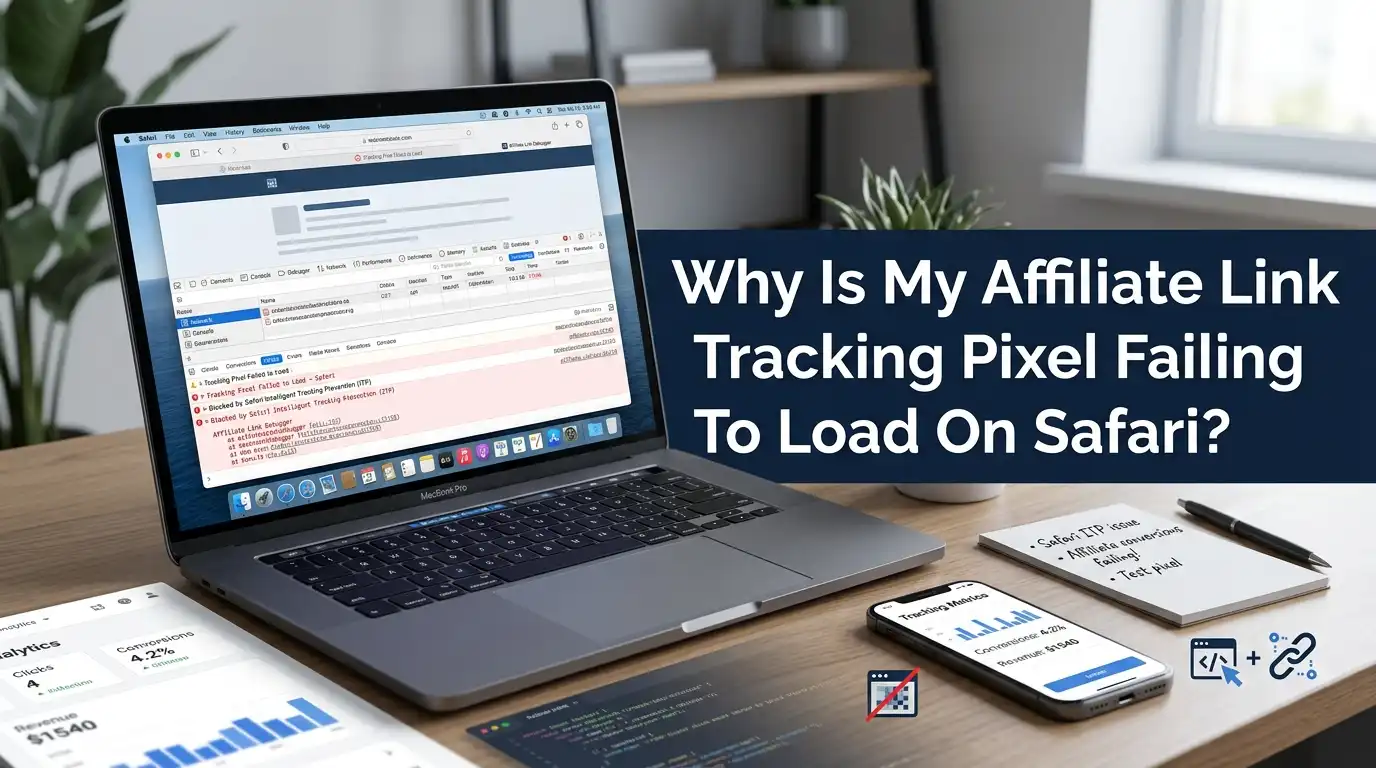
Why Is My Affiliate Link Tracking Pixel Failing To Load On Safari?
Your affiliate dashboard shows clicks. Your sales feel real. But the numbers do not match. You check your reports and see one strange pattern. Safari users seem to vanish.
Their conversions never register. Your tracking pixel works fine on Chrome and Firefox, yet it breaks on Apple devices. This problem frustrates thousands of affiliate marketers every single day.
Safari is not broken. It works exactly as Apple designed it. Apple built strong privacy walls into Safari, and those walls block many tracking pixels by default.
In a Nutshell:
- Safari blocks tracking by default. Apple’s Intelligent Tracking Prevention (ITP) is the main reason your pixel fails. It restricts third party cookies and limits how long tracking data survives.
- Third party pixels are the weakest link. A pixel loaded from an outside domain gets blocked or limited. Safari treats it as a tracker and shuts it down.
- First party tracking is the real fix. Moving your tracking to your own domain helps Safari trust it. This is the most reliable long term solution.
- Server side tracking beats browser pixels. When you send data from a server instead of the browser, Safari cannot block it the same way. This recovers lost conversions.
- The 7 day cookie cap is a hidden trap. Even when a cookie loads, Safari may delete it within seven days, or even one day. Long sales cycles lose attribution.
- Test everything on a real device. Simulators lie. Always test your pixel on an actual iPhone or Mac running Safari to confirm the fix works.
What a Tracking Pixel Actually Does
A tracking pixel is a tiny image. It usually measures one pixel by one pixel, and it stays invisible to the eye. When a browser loads this image, it sends a request to a tracking server.
That request carries data about the user, the click, and the action. This is how affiliate networks record your conversions.
The pixel works like a silent messenger. It fires the moment a page loads or a sale completes. The server logs that event and credits your account. Many affiliate programs rely on this method because it is light and easy to install.
You simply paste a small code snippet, and tracking begins. But this same simplicity makes the pixel fragile. Browsers like Safari can spot it, label it as a tracker, and stop it before it ever reaches the server.
The Main Reason: Safari’s Intelligent Tracking Prevention (ITP)
Apple introduced Intelligent Tracking Prevention, often called ITP, to protect user privacy. This single feature is the biggest reason your affiliate pixel fails on Safari.
ITP uses machine learning to detect domains that track users across the web. Once it flags a domain, it blocks or limits its cookies and storage.
Your affiliate pixel often loads from a third party domain. ITP sees that outside domain and treats it as a tracker. It then blocks the third party cookies that the pixel needs to record a sale. Apple updated ITP many times over the years. Each version tightened the rules further.
Today, Safari blocks all third party cookies by default. So even a perfectly written pixel can fail, simply because Safari refuses to trust the domain it comes from. This is privacy by design, not a bug.
Third Party Cookies Are Now Blocked By Default
Cookies power most affiliate tracking. A cookie remembers who clicked your link, so the system can credit you when the sale happens later. Safari now blocks third party cookies completely. This change broke the classic affiliate tracking model overnight for Apple users.
Here is the simple problem. Your affiliate link sets a cookie from a domain that is not the site the user is visiting. That makes it a third party cookie. Safari refuses to store it. When the user returns to buy, the cookie is gone, and your click disappears with it.
Chrome still allows third party cookies in many cases, which is why your tracking looks fine there. But on Safari, the cookie never survives. This mismatch creates the exact gap you see in your reports, where Safari traffic converts but never gets attributed to you.
The 7 Day And 24 Hour Cookie Limit Problem
Even when a cookie does load on Safari, your trouble may not end. Apple caps how long many cookies can live. When ITP detects CNAME cloaking or certain tracking patterns, it limits the cookie lifespan to just seven days. In some cases, cookies set through scripts last only twenty four hours.
This matters a lot for affiliate marketing. Many sales happen days or weeks after the first click. A user clicks your link on Monday, thinks it over, and buys the next week. On most browsers, your cookie still credits you.
On Safari, that cookie may already be deleted. So the sale lands with no affiliate attached, and you lose the commission. The short lifespan hits high value products hardest, since those purchases often involve a longer decision period. You see the click but never the reward.
Content Blockers And Ad Blockers On Safari
Safari supports content blockers. These are small apps and extensions that users install to remove ads and trackers. Tools like AdGuard and similar blockers are extremely popular among Apple users. Once installed, they scan every page and strip out known tracking elements before they load.
Your one pixel by one pixel image is an easy target. Blockers recognize the typical pixel pattern and the known tracker domains, then refuse to load them.
This happens before the request ever reaches your server, so you record nothing at all. The pros of this from a user view are faster pages and more privacy. The cons for you as a marketer are clear, since blocked pixels mean lost data and missing commissions.
You cannot force a blocker to allow your pixel. Instead, you must use tracking methods that do not depend on a blockable third party image.
iCloud Private Relay And Its Hidden Impact
Apple offers a feature called iCloud Private Relay to its paid subscribers. This service hides the user’s real IP address and encrypts their browsing requests. It routes Safari traffic through two separate relays, so no single party can see both who the user is and what they visit.
This breaks tracking methods that depend on the IP address. Many affiliate systems use the IP to match a click with a later sale. With Private Relay active, that IP changes and masks the user, so your matching logic fails silently.
Private Relay also affects how location and referrer data appear. The benefit for users is strong privacy protection. The drawback for you is weaker fingerprinting and less reliable attribution.
You cannot disable Private Relay for your visitors. The smart move is to stop relying on IP based matching and shift toward first party and server based methods that survive this feature.
Solution One: Switch To First Party Tracking
First party tracking is the strongest fix you can apply. Instead of loading your pixel from an outside domain, you load it from your own domain.
You set up a subdomain, such as track dot yoursite dot com, and route your tracking through it. Safari trusts your own domain far more than a random third party.
This method dramatically increases the chance that cookies survive and pixels load. Because the data flows through your domain, Safari does not flag it as cross site tracking in the same harsh way.
Pros: It greatly improves data accuracy on Safari, it builds user trust, and it gives you control. Cons: It needs technical setup, and ITP can still cap cookies to seven days if it detects CNAME cloaking.
Set this up carefully, and avoid pointing your subdomain straight at a known tracker through a raw CNAME, since Safari now detects that trick.
Solution Two: Move To Server Side Tracking
Server side tracking is the most future proof answer to this problem. Instead of firing the pixel inside the user’s browser, you send the conversion data from your own server.
The browser passes a small signal to your server, and your server talks directly to the affiliate network. Safari never gets the chance to block that server to server message.
This approach recovers conversions that browser pixels lose. It bypasses content blockers, ITP cookie limits, and Private Relay masking, because the critical data moves on the back end.
Pros: It delivers the highest accuracy, it resists blockers, and it supports longer attribution windows. Cons: It requires development skills or a paid tool, and it costs more to maintain than a simple pixel.
Many marketers use a server side container tool to handle this. If your affiliate income is serious, this investment pays for itself by capturing sales you would otherwise lose.
Solution Three: Use Postback Or Server To Server (S2S) Tracking
Postback tracking, also called server to server or S2S tracking, removes the pixel from the equation entirely. Instead of an image, the system passes a unique click ID through the URL when a user clicks your link.
The merchant stores that ID, and when a sale completes, their server sends a postback message straight to the affiliate network.
No cookie is needed, and no pixel must load in Safari. This makes S2S nearly immune to ITP, blockers, and cookie caps.
Pros: It is highly reliable across all browsers, it does not depend on cookies, and it survives privacy features. Cons: Both you and the merchant must support it, and the setup is more technical than pasting a pixel.
Check whether your affiliate program or network offers postback URLs. Many large networks already do. If yours does, switching to S2S can solve your Safari problem completely and protect your tracking for years.
Solution Four: Fix Your CNAME Setup The Right Way
A CNAME record lets you point a subdomain on your domain to another service. Marketers used CNAME cloaking for years to make third party trackers look like first party ones. Safari caught on, and ITP now detects this pattern and punishes it with the seven day cookie cap.
So you must use CNAME carefully. Do not simply mask a known tracker behind your subdomain and expect full results. Instead, pair your CNAME setup with proper first party cookie handling, ideally set through your own server with an HTTP response.
Pros: A clean CNAME setup can still extend tracking and improve trust. Cons: A lazy CNAME cloak triggers ITP detection and gives you short lived cookies.
Test your configuration on real Safari devices after you build it. If your cookies still die in seven days, ITP has flagged you, and you should combine CNAME with server side methods for a stronger result.
Solution Five: Test And Debug Your Pixel On Real Safari Devices
You cannot fix what you cannot see. Many marketers assume their pixel works because it loads in Chrome. That assumption hides the Safari gap. You must test on a real iPhone, iPad, or Mac running Safari, since simulators and other browsers behave differently.
Open Safari and enable the Web Inspector through the Develop menu. Watch the network tab as you trigger your pixel, and look for blocked requests or failed cookie writes. Safari often logs when ITP blocks storage.
Pros: Real device testing reveals the true problem and confirms whether your fix actually works. Cons: It takes time, and you may need access to multiple Apple devices and versions.
Test in both normal and private browsing modes, since private mode applies even stricter rules. Repeat your tests after every Safari update, because Apple changes ITP rules often, and a fix that worked last year may fail today.
Solution Six: Track Conversions With First Party Cookies And Local Storage
When you control your own domain, you can set first party cookies directly through your server. A cookie set by your server in an HTTP response lasts longer than one set by a browser script. This small difference matters under ITP, which treats script set cookies more harshly.
You can also use local storage as a backup memory in the browser. Local storage holds the click data on the device, and you read it back when the sale completes. It does not face the same cookie rules, though Safari may still clear it after a period of inactivity.
Pros: First party cookies set by the server survive longer, and local storage adds a useful fallback. Cons: Safari can still expire both over time, and local storage needs custom code.
Combine these methods with server side tracking for the best protection. No single browser based trick fully beats ITP, so layering your defenses gives you the most stable results.
How To Prevent This Problem In Future Campaigns
Prevention saves you from chasing lost data later. Build your tracking with privacy first browsers in mind from day one. Assume Safari will block third party cookies and pixels, and design around that fact instead of fighting it.
Start with a first party tracking domain. Add server side or postback tracking as your main method, and treat browser pixels as a secondary signal only. This way, even when Safari blocks the pixel, your real conversions still flow through the server.
Pros: A privacy first setup keeps your data accurate across all browsers and survives future updates. Cons: It takes more planning and upfront work than a quick pixel paste. Stay informed about Apple’s WebKit announcements, since ITP rules keep tightening.
Review your tracking every few months. A campaign you set and forget will slowly leak conversions as browsers grow stricter, so regular checks protect your income.
Comparing Your Solution Options At A Glance
You now have several fixes, and each suits a different situation. The right choice depends on your skills, your budget, and how much your tracking matters. Let us compare them simply.
A simple first party pixel is easy but still vulnerable to the seven day cap. Server side tracking is powerful and resists most blocks, though it needs setup and cost.
Postback or S2S tracking is the most reliable, yet both you and the merchant must support it. CNAME setups help only when built cleanly with server cookies.
For most serious affiliates, the best path combines two methods. Use first party tracking on your own domain, and back it with server side or postback tracking.
This layered approach captures Safari conversions that a lone pixel would lose, and it stays strong as Apple updates its privacy rules over time.
Frequently Asked Questions (FAQs)
Why does my affiliate pixel work on Chrome but not on Safari?
Chrome still allows many third party cookies, while Safari blocks them by default through ITP. Your pixel depends on those cookies, so it fails on Safari but loads fine on Chrome. The fix is to move to first party or server side tracking that does not rely on third party cookies.
Can I force Safari to load my tracking pixel?
No. You cannot override a user’s privacy settings or their content blocker. Apple designed ITP and Private Relay to protect users, and you cannot disable them remotely. Your only real option is to use tracking methods like server side and postback tracking that do not depend on a blockable pixel.
Does the 7 day cookie limit affect all my Safari conversions?
It affects conversions with long decision times the most. If a user clicks today and buys within seven days, you may still get credit. If they buy after that window, Safari likely deleted the cookie, so the sale goes untracked. Server side and postback tracking solve this by removing the cookie dependency.
Is server side tracking hard to set up?
It needs some technical skill or a paid tool, but it is not impossible. Many marketers use server side container platforms that simplify the process. The effort is worth it because server side tracking recovers conversions that browser pixels lose on Safari, and it keeps working as Apple tightens its rules.
Will these problems get worse over time?
Most likely, yes. Apple updates ITP and WebKit often, and each update adds stronger privacy protection. Other browsers are following the same path toward limited tracking. The smart move is to build privacy first tracking now, using first party and server side methods, so your campaigns stay accurate for years to come.
Does iCloud Private Relay block my pixel directly?
Not exactly. Private Relay hides the user’s IP address and encrypts their requests, which breaks IP based matching. It does not delete your pixel, but it weakens the data your tracking relies on. Shift away from IP matching and use first party click IDs with server side tracking to stay accurate for Private Relay users.

Hi, I’m Pearl Standen, the voice behind The Web Utility. I’m a passionate tech enthusiast who loves exploring the latest gadgets, smart devices, and electronics that make everyday life easier. Through my website, I share honest, well-researched reviews of trending Amazon products to help you make smarter buying decisions.