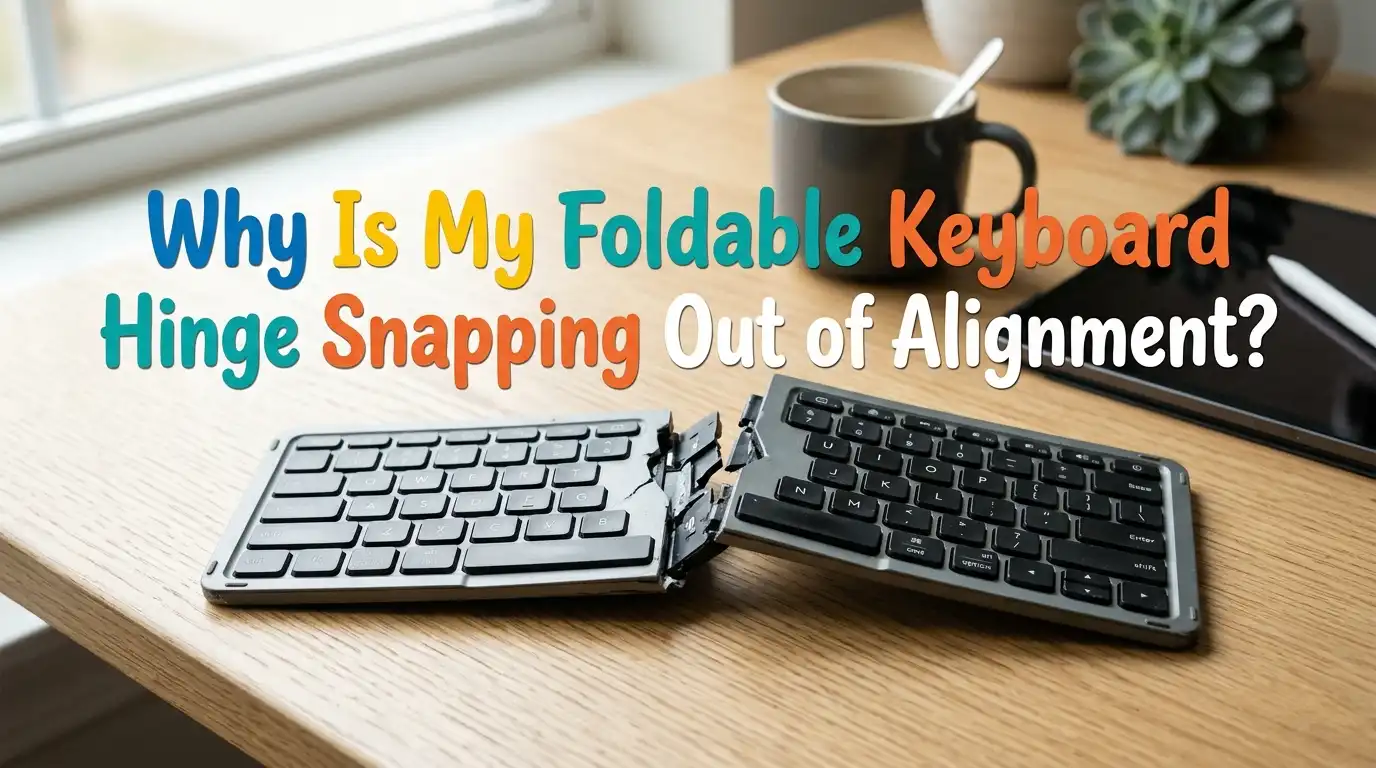
Why Is My Foldable Keyboard Hinge Snapping Out of Alignment?
Foldable keyboards are brilliant little tools. They slip into a bag, pair with a phone or tablet, and turn any cafe table into a workstation. But there is one frustrating problem many users face.
The hinge in the middle starts snapping out of alignment. The halves wobble, the keys sit at odd angles, and typing feels uneven. Sometimes the keyboard refuses to stay flat at all.
If this sounds familiar, you are in the right place. This guide explains why the hinge fails and how you can fix it at home. You will learn how to spot the cause, repair the damage, and stop it from happening again.
Key Takeaways
- Hinges fail for predictable reasons. Most foldable keyboards use plastic or magnetic hinges. Daily folding, drops, and pocket pressure wear them out faster than expected.
- The ribbon cable inside the hinge is the weak spot. A torn or stretched flex cable often causes the halves to misalign because the structure relies on that thin strip for support.
- Magnet weakening is a common silent issue. When the internal magnets lose strength, the two halves stop locking flat, even if the hinge itself looks fine.
- Most fixes need only basic tools. A small screwdriver, tweezers, double sided tape, and a bit of patience can solve about 80% of hinge problems without replacement parts.
- Prevention beats repair every time. Folding the keyboard slowly, storing it in a hard case, and keeping it away from heat will add years to its life.
- Know when to stop. If the PCB or chip is cracked, repair is rarely worth the effort. A new unit is often cheaper than parts and labor.
Understanding How a Foldable Keyboard Hinge Works
A foldable keyboard usually has two or three rigid sections joined by a hinge. The hinge can be a plastic living joint, a metal pivot, or a magnetic seam with a flex cable underneath. The flex cable carries signals from one half to the other.
When you fold the keyboard, the hinge bends and the cable curls inside a small channel. The two halves snap together using magnets or small clips.
This design saves space but adds stress to one tiny area. Every fold cycle puts pressure on the cable and the joint, which is why hinges fail before keys do. Knowing this layout helps you diagnose the problem before opening the device.
Common Reasons Why the Hinge Loses Alignment
Several causes can throw your hinge out of line. The most frequent is cable fatigue, where the flex ribbon stretches or tears after thousands of folds. The second is magnet weakening, where heat or impact reduces the magnetic pull.
Other reasons include broken plastic clips, loose internal screws, worn rubber pads, and dust trapped in the seam. Sometimes the issue is simpler. A user folds the keyboard the wrong way, forcing the hinge against its natural direction.
This single mistake can crack a plastic hinge in seconds. Dropping the keyboard while open also misaligns the pivot. Identifying the exact cause saves you from guessing during the repair.
How to Inspect the Hinge Before Repairing
Start with a clean, well lit table. Place the keyboard flat and look at the seam from above. Check if both halves sit level. Run your finger across the joint to feel for bumps, gaps, or loose pieces.
Next, fold and unfold the keyboard slowly. Listen for clicks, grinding, or snapping sounds that should not be there. Look inside the seam with a flashlight to spot a torn ribbon or broken clip. Press gently on each side to see if one half lifts more than the other.
If the magnets feel weak, the halves will not click together firmly. Write down what you find. This short inspection guides every repair step that follows.
Fixing a Torn or Loose Flex Ribbon Cable
A torn ribbon is the most common reason for misalignment. To fix it, peel back the trim cover over the hinge with a plastic pry tool. The cover usually pops off with light pressure. You will see the flex cable running across the joint.
If the tear is small, you can bridge it with conductive silver paint or a thin strip of copper tape. For bigger tears, replace the cable with a matching one from a parts supplier. Stick the repaired section down with double sided tape to keep it flat.
Pros: Cheap, brings the keyboard back to life, takes under an hour.
Cons: Needs steady hands, may fail again if the cable is very worn, voids any warranty.
Restoring Weak Magnets in the Hinge
If your keyboard refuses to lie flat, the internal magnets may be tired. Heat and drops weaken neodymium magnets over time. The fix is to add a small booster magnet on each side of the seam.
Open the back panel by removing the screws under the rubber feet. Locate the existing magnets near the hinge. Glue a thin neodymium disc magnet next to each one, matching the polarity so they attract. Close the case and test the snap.
Pros: Quick fix, low cost, no soldering needed.
Cons: Adds tiny weight, wrong polarity will push the halves apart, glue may loosen in hot weather. Always test polarity with a paperclip before gluing.
Replacing Broken Plastic Clips and Pivots
Some foldable keyboards use plastic clips instead of magnets. These clips snap into slots on each half. When the clips break, the halves twist out of line during typing.
To repair, open the case and look for small white or black plastic tabs near the hinge. Broken tabs can be reshaped with a soldering iron set to low heat, melting the plastic gently back into place. For full breaks, glue a thin piece of ABS plastic as a replacement tab using cyanoacrylate glue.
Pros: Restores the original click action, lasts a long time if done well.
Cons: Requires patience, ugly repair if visible, plastic glue takes 24 hours to fully cure.
Tightening Loose Internal Screws
Sometimes the hinge looks fine but the halves still wobble. The cause may be loose screws inside the casing. Vibration from daily use slowly backs them out.
Flip the keyboard over and peel back the rubber feet. You will find tiny Phillips or Torx screws. Tighten each one by hand using a precision screwdriver. Do not over tighten, because the threads in plastic strip easily. A snug turn is enough. Add a tiny drop of clear nail polish on each screw head to lock it in place.
Pros: Free, takes five minutes, often solves wobble issues instantly.
Cons: Stripped threads cannot be fixed easily, screws may hide under glued labels that tear off.
Cleaning Dust and Debris From the Seam
Dust, lint, and food crumbs love to hide in the hinge seam. Over time, this debris stops the halves from closing fully and pushes them out of line.
Use a soft brush or a can of compressed air to clear the gap. Hold the keyboard upside down while spraying, so dust falls out instead of going deeper. For sticky residue, dip a cotton swab in isopropyl alcohol and wipe the seam edges. Avoid soaking the cable.
Pros: Takes minutes, no disassembly, prevents many future problems.
Cons: Only fixes alignment if dust was the cause, needs to be done regularly. Make this a monthly habit if you carry the keyboard in a bag.
Adding Friction or Support to the Hinge
If your hinge feels too loose after years of use, a friction boost can help. A small strip of felt or thin silicone glued along the inside seam adds resistance and keeps the halves aligned during typing.
Some users sew a soft fabric sleeve that wraps around the closed keyboard, which also protects the hinge in transit. Felt absorbs shock and stops the halves from flopping when you open the device.
Pros: Extends keyboard life, looks clean if done neatly, very cheap.
Cons: May change the folding feel, glue residue is hard to remove later, not a true fix for broken parts.
How to Fold and Unfold Your Keyboard Correctly
Many hinge failures come from simple user habits. Folding the keyboard quickly or with one hand twists the hinge sideways. Always use both hands. Hold each half flat and bring them together slowly until the magnets or clips engage.
Never fold the keyboard the wrong way. Most foldables bend in one direction only. Forcing the reverse direction tears the cable in seconds. When unfolding, lay the device on a flat surface and open it from the center. Avoid pulling the halves apart from the corners, which puts uneven stress on the joint and bends the pivot over time.
Storing Your Foldable Keyboard the Right Way
Storage matters as much as use. Tossing a foldable keyboard into a backpack with books and bottles is asking for trouble. Pressure and heat warp the hinge.
Keep the keyboard in a hard shell case or a padded sleeve. Store it flat or folded, never half open. Avoid leaving it in a hot car, since heat softens the internal glue and weakens magnets. Keep it dry, because moisture corrodes the cable contacts.
A simple zip pouch costs little and protects your investment for years. Good storage habits often double the lifespan of any foldable keyboard.
When to Repair and When to Replace
Repair makes sense when the problem is a single tear, a loose screw, or weak magnets. These fixes cost almost nothing and restore full function. But some damage is not worth fixing.
If the printed circuit board is cracked, if the keys themselves are dead, or if the plastic frame is shattered, a new keyboard is the smarter choice.
Compare the cost of parts and your time with the price of a fresh unit. Also consider age. A keyboard that is several years old may fail again soon even after repair. Replacement also gives you a chance to choose a sturdier model with better hinge design.
Choosing a More Durable Foldable Keyboard Next Time
If you decide to replace, pick a model with a strong hinge from the start. Look for keyboards with metal pivot hinges instead of plastic ones. Read user reviews that mention hinge life after a year of use.
Tri fold designs have two hinges, which means two failure points. A simple two fold design lasts longer in most cases. Friction hinges, like those on some premium models, hold any angle without snapping.
Avoid ultra thin models with paper thin cables, since they look elegant but break fast. A slightly thicker keyboard often gives years of trouble free use.
Frequently Asked Questions
How long does a foldable keyboard hinge usually last?
A well made hinge lasts between two and four years with daily use. Cheaper models may fail within a year. Careful folding, dry storage, and gentle handling can stretch this lifespan well past five years.
Can I use super glue to fix a broken hinge?
Super glue works for small plastic cracks but not for moving parts. It dries hard and brittle, so a glued hinge often snaps again under stress. For pivots, use a flexible adhesive like epoxy or replace the part instead.
Why does my keyboard type wrong letters after the hinge bends?
A bent hinge often stretches the ribbon cable, which mixes up the signals between the two halves. Repairing or replacing the cable usually restores normal typing. Check the cable first before assuming the keys themselves are broken.
Is it safe to open my foldable keyboard at home?
Yes, most foldable keyboards use simple screws and clips. Use a plastic pry tool to avoid scratches, and keep small parts in a tray. Just remember that opening the device will usually void any remaining warranty.
Can a magnetic hinge be made stronger permanently?
Adding small neodymium magnets inside the case strengthens the snap and lasts for years. Make sure the polarity matches the original magnets, and use strong glue rated for metal. This fix often outperforms the factory setup.
Does temperature affect the hinge alignment?
Yes, heat softens plastic and weakens magnets, while cold makes flex cables stiff and easy to crack. Keep your keyboard at room temperature whenever possible, and never leave it on a sunny dashboard or near a heater.

Hi, I’m Pearl Standen, the voice behind The Web Utility. I’m a passionate tech enthusiast who loves exploring the latest gadgets, smart devices, and electronics that make everyday life easier. Through my website, I share honest, well-researched reviews of trending Amazon products to help you make smarter buying decisions.