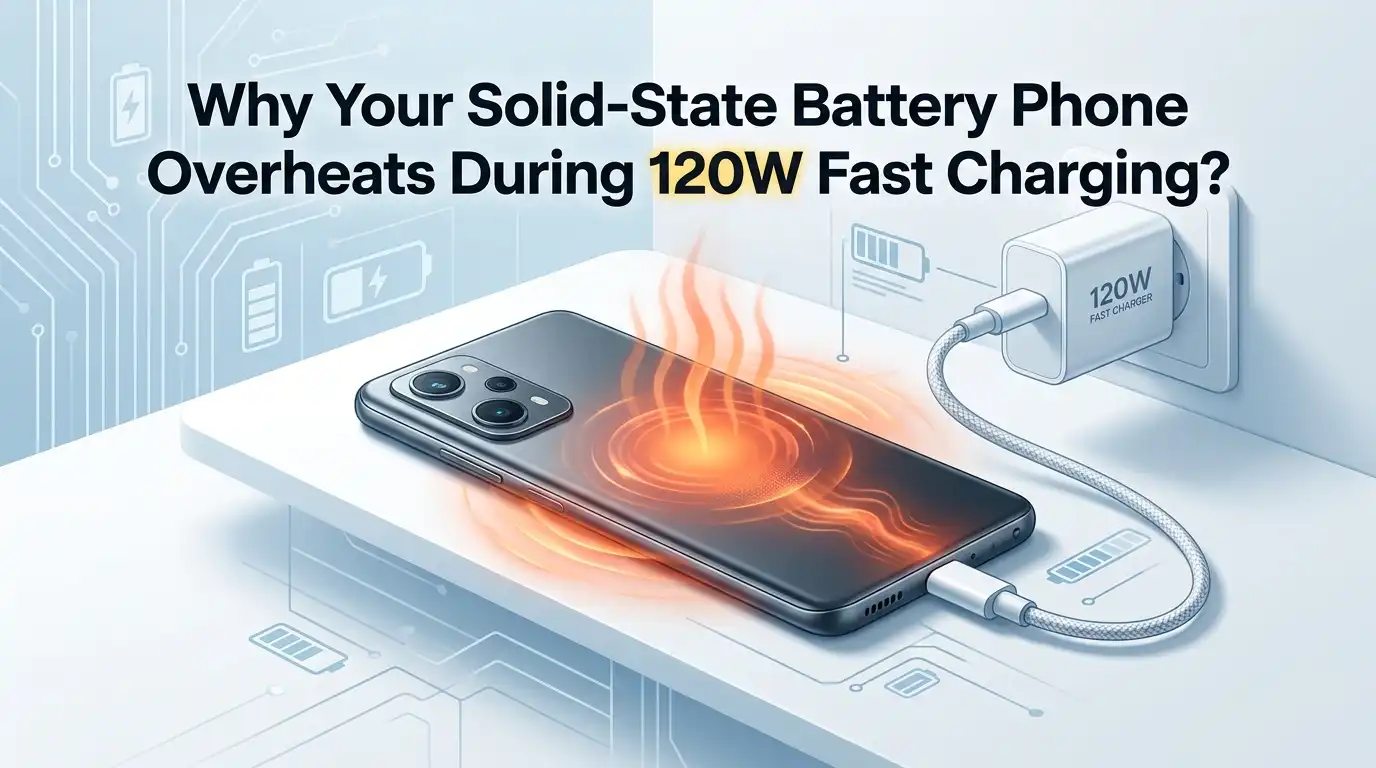
Why Your Solid-State Battery Phone Overheats During 120W Fast Charging?
Your phone promised lightning speed. You plug it into the 120W charger, expecting a cool and quick top-up.
Instead, the back panel turns warm, the charging slows down, and a heat warning pops up. You start to worry. Did you buy a faulty device? Is the solid-state battery breaking already?
Take a breath. You are not alone, and your phone is most likely fine. Heat during 120W charging is a known behavior, even with newer solid-state cells. Physics plays a role here.
In a Nutshell:
- Heat is partly normal. Pushing 120W into a battery moves energy fast, and fast energy transfer always creates some heat. A warm phone is fine. A hot phone that throttles or warns you is the real problem.
- Solid-state batteries run cooler than old lithium-ion cells, but they are not heatproof. They still have a safe charge range, and most phone makers cap safe charging temperatures around 40°C to 45°C before slowing down.
- Your case, your environment, and your habits matter most. A thick case, a hot room, and using your phone while charging are the three biggest heat triggers you can control right now.
- Cheap or non-matching chargers create extra heat. Always use the brand charger and cable that came with your phone, since 120W systems rely on matched handshakes between charger and device.
- Software and background apps add hidden heat. Updates, syncing, and rogue apps keep your processor busy and warm during charging.
- Charging from 20% to 80% is the sweet spot. It produces less heat and protects long-term battery health better than always charging to 100%.
What Counts as Normal Heat During 120W Charging
First, let us set expectations. Some warmth is completely normal. When a 120W charger pushes power into your phone, energy moves at high speed. Energy transfer at this speed always releases heat as a byproduct. So a warm back panel during the first 10 minutes is expected behavior.
Most phones charge safely between 0°C and 35°C room temperature. Internal systems start to slow charging once the battery hits around 40°C. Long charging above 45°C can stress the cells.
So how do you tell normal from trouble? Warm and quick is fine. Hot enough to be uncomfortable to hold, with charging that crawls or a heat warning on screen, is the line you should watch.
How Solid-State Batteries Handle Heat Differently
Solid-state batteries use a solid electrolyte instead of the liquid gel found in older lithium-ion cells. This design gives them a wider safe operating range and less fire risk. In theory, they run cooler and charge faster. That is one big reason phone makers like them.
But there is a catch. Solid-state cells are not immune to heat. They have their own charge temperature limits, and the materials inside can suffer if you push them too hard, too often. High interfacial resistance between the layers can also create heat under heavy 120W loads.
The takeaway is simple. Your solid-state battery is more heat-tolerant, not heat-proof. You still need to follow good charging habits to keep it healthy and fast.
Reason 1: Charging While Using Your Phone
This is the most common cause, and the easiest to fix. When you charge and use your phone at the same time, two heat sources stack up. The battery heats from charging. The processor heats from your activity. Gaming, video streaming, GPS, and video calls push the processor hard.
During 120W charging, the battery is already near its thermal limit. Adding processor heat on top forces the phone to slow charging to cool down. So you actually charge slower while overheating faster. That is the worst of both worlds.
Step-by-step fix: Put the phone down. Close heavy apps. Switch on airplane mode if you can. Let it charge untouched for the fast burst, then use it again.
Pros: Free, instant, and very effective. Cuts heat fast.
Cons: You cannot use the phone during the quick charge window, which feels inconvenient if you are busy.
Reason 2: A Thick or Heat-Trapping Phone Case
Your case might be the silent culprit. Many cases use thick rubber, silicone, or padded materials. These hold heat against the back of the phone, exactly where the battery sits. Heat builds up between the battery and the cover with nowhere to escape.
During 120W charging, the back panel is your phone’s main cooling surface. A case blocks that surface. The trapped heat then forces the phone to throttle charging speed to protect the cells.
Step-by-step fix: Remove the case before you start a 120W charge. Place the bare phone on a hard, flat surface. Put the case back on once charging finishes.
Pros: Simple, free, and noticeably lowers heat. Improves charging speed too.
Cons: Your phone is unprotected while charging, so handle it carefully. You also have to remember to do it each time.
Reason 3: Charging in a Hot Environment
Where you charge matters more than most people think. A hot room adds heat before charging even begins. Charging in direct sunlight, inside a parked car, near a stove, or under a pillow traps heat fast. The phone cannot cool itself if the air around it is already warm.
Room temperature above 31°C makes phones heat faster and slow charging. Above 40°C of surrounding heat, overheating and auto shutdown become real risks. No airflow means no cooling.
Step-by-step fix: Charge in a cool, shaded, ventilated spot. Use a table or desk, not a bed or sofa. Keep the phone away from sunlight and other heat sources.
Pros: Costs nothing and helps every single charge. Protects long-term battery health.
Cons: Not always possible in hot climates or during summer without air conditioning.
Reason 4: Using a Non-Matching or Cheap Charger
A 120W charging system is a careful partnership. The charger, the cable, and the phone must talk to each other through a matched protocol. When they match, power flows smoothly and safely. When they do not, the system delivers uneven power, which creates extra heat.
Cheap or generic chargers often skip this handshake. They may push current the wrong way or fail to regulate voltage. This causes heat inside the phone and can even pose a safety risk.
Step-by-step fix: Use only the brand charger and cable that came with your phone. If you lost them, buy the official certified replacement that supports your exact wattage.
Pros: Safe, stable power and proper fast charging speed. Reduces heat at the source.
Cons: Official chargers cost more than generic ones. You also need to carry the right cable.
Reason 5: A Dirty or Damaged Charging Port
A small problem here causes big heat. Dust, lint, and grime collect inside the charging port over time. A bent pin or frayed cable adds to the trouble. When the connection is poor, power flows in a messy, uneven way. This friction creates heat right at the port.
During 120W charging, even a tiny resistance at the port turns into noticeable warmth, because the current is so high. You might also notice the cable feeling loose or charging cutting in and out.
Step-by-step fix: Power off the phone. Shine a light into the port. Gently clean it with a soft brush or a puff of air. Never use metal objects. Replace any frayed cable.
Pros: Cheap, quick, and fixes both heat and loose-connection issues.
Cons: Cleaning carries a small risk of damage if done roughly. Some ports need professional cleaning.
Reason 6: Background Apps and Software Bugs
Your phone might be working hard without you knowing. Background apps keep the processor busy even when the screen is off. Photo backups, cloud syncing, email refresh, and app updates all run quietly. Each one adds heat during charging.
Sometimes a buggy app gets stuck in a loop and drains power nonstop. A bad software build can do the same. This hidden activity stacks heat on top of the normal charging warmth.
Step-by-step fix: Swipe away open apps before charging. Pause cloud backups during the charge. Check battery settings to find any app using too much power, then update or uninstall it.
Pros: Free and often fixes heat that seems to have no cause. Improves battery life all day.
Cons: Finding the bad app takes a little detective work. Some background tasks are useful and you may miss them.
Reason 7: Outdated Firmware and System Software
Phone makers fine-tune charging through software. Firmware controls how power flows and how the phone manages heat. When your software is old, you miss out on the latest thermal improvements. Some early overheating problems get fixed in later updates.
This matters a lot for solid-state battery phones, which are newer technology. Makers often release updates that improve charge curves and cooling logic after launch. Skipping these leaves your phone running on weaker heat management.
Step-by-step fix: Open settings and check for a system update. Install it while connected to Wi-Fi. Charge the phone after the update finishes, not during, since updating itself creates heat.
Pros: Free, and can permanently solve heat issues with a single fix. Improves overall stability.
Cons: Updates take time and data. Rarely, a new update brings its own bugs that need a later patch.
Reason 8: An Aging or Stressed Battery
Even solid-state cells age over time. As a battery ages, its internal resistance rises. Higher resistance means more heat during charging. If your phone is older or has gone through many fast charge cycles, this can explain new overheating.
Constant 120W charging to 100% every day speeds up this wear. The cells handle the stress, but heat slowly increases as they age. You might notice the phone running warmer than it did when new.
Step-by-step fix: Check battery health in your phone settings if the feature exists. Reduce daily 120W use if health is dropping. For a worn battery, an official replacement restores cooler charging.
Pros: A battery replacement fully fixes heat from aging. Brings back original performance.
Cons: Replacement costs money and may need a service center. Battery health features are not on every phone.
Reason 9: Charging to 100% Every Single Time
Pushing a battery to a full 100% creates extra heat and stress near the end of the charge. The last stretch from 80% to 100% is the slowest and warmest part. The charging system works hard to top off the final cells safely.
For 120W systems, the smarter approach is to charge from 20% to 80%. This range produces less heat and protects long-term health. Many phones now include a setting to cap the charge or slow it near full for this reason.
Step-by-step fix: Unplug around 80% for daily use. Turn on optimized or adaptive charging in settings. Save the full 100% charge for days when you truly need it.
Pros: Less heat, longer battery life, and faster everyday charging. Easy to set and forget.
Cons: You get less total battery in one go. Not ideal before a long day away from a charger.
Reason 10: Wireless Charging on Top of Fast Charging Habits
If you switch between 120W wired charging and wireless charging, heat can add up. Wireless charging creates more heat than wired charging. The coil-to-coil energy transfer is less efficient, and around 20% to 30% of energy can be lost as heat. Poor alignment makes it worse.
Your battery does not get a chance to cool if you bounce between heat-heavy charging methods all day. This keeps the cells warm and can trigger more throttling on your next 120W session.
Step-by-step fix: Pick one method per charge. Let the phone cool between sessions. For speed, stick to wired 120W. For overnight, slow wireless or slow wired is gentler.
Pros: Reduces cumulative heat and protects battery health. Simple habit change.
Cons: You lose the convenience of grabbing whatever charger is nearby. Wireless fans may dislike cutting back.
When to Stop and Get Professional Help
Most heat is normal or fixable at home. But some signs mean you should stop and seek help. Watch for these red flags. If the phone gets too hot to hold, swells or bulges, leaks, smells odd, or shuts off repeatedly while charging, unplug it right away.
A swelling battery is a safety risk and needs professional attention, not a home fix. The same goes for a phone that overheats even after you remove the case, cool the room, and use the right charger. That points to a hardware fault.
Step-by-step action: Unplug the phone. Move it to a safe, non-flammable surface. Stop charging. Contact the official service center or maker support. Do not try to open the phone yourself.
Pros: Protects your safety and gets a real repair. Prevents bigger damage.
Cons: Service can cost money and take time. You may be without your phone for a while.
Simple Daily Habits to Keep Your Phone Cool
A few small habits prevent most heat problems before they start. Build these into your routine and you rarely face overheating again. Charge in a cool, open space on a hard surface. Remove the case for fast charges. Keep the phone idle while it charges quickly.
Use the official charger and cable every time. Keep your software updated. Aim for the 20% to 80% range on busy days. Clean the port now and then. These steps cost nothing and add up to cooler, faster, healthier charging.
Pros: Free, easy, and protect battery life for years. Fewer heat warnings overall.
Cons: They require consistency. Skipping them occasionally is fine, but old habits creep back.
Frequently Asked Questions
Is it normal for my solid-state battery phone to get warm during 120W charging?
Yes, mild warmth is normal. Pushing 120W into a battery moves energy fast, and fast energy transfer always makes some heat. A warm phone is fine. A hot phone that throttles or shows a warning is the real concern.
What temperature is too hot for my phone while charging?
Most phones charge safely up to about 35°C room temperature. The battery starts to throttle near 40°C. Charging above 45°C for long periods can stress the cells and shorten battery life over time.
Does removing the case really help reduce heat?
Yes, and the difference is often big. The back panel is your phone’s main cooling surface during 120W charging. A thick case traps heat right against the battery. Removing it lets heat escape and can even speed up your charge.
Will charging to only 80% protect my solid-state battery?
It helps a lot. The final 80% to 100% stretch is the warmest and slowest part of the charge. Staying between 20% and 80% creates less heat and protects long-term health. Save the full charge for days you truly need it.
Can a cheap third-party charger damage my phone?
It can cause extra heat and uneven power. A 120W system relies on a matched handshake between charger, cable, and phone. Generic chargers often skip this safety step. Always use the official brand charger and cable for safe, cool, fast charging.
My phone still overheats after trying everything. What now?
Stop charging and look for swelling, odd smells, or repeated shutdowns. These point to a hardware fault. Unplug it, place it on a safe surface, and contact official support. Do not open the phone yourself, since a swelling battery is a safety risk.

Hi, I’m Pearl Standen, the voice behind The Web Utility. I’m a passionate tech enthusiast who loves exploring the latest gadgets, smart devices, and electronics that make everyday life easier. Through my website, I share honest, well-researched reviews of trending Amazon products to help you make smarter buying decisions.