How To Troubleshoot Pairing Failures Between Smart Rings And Smart Locks?
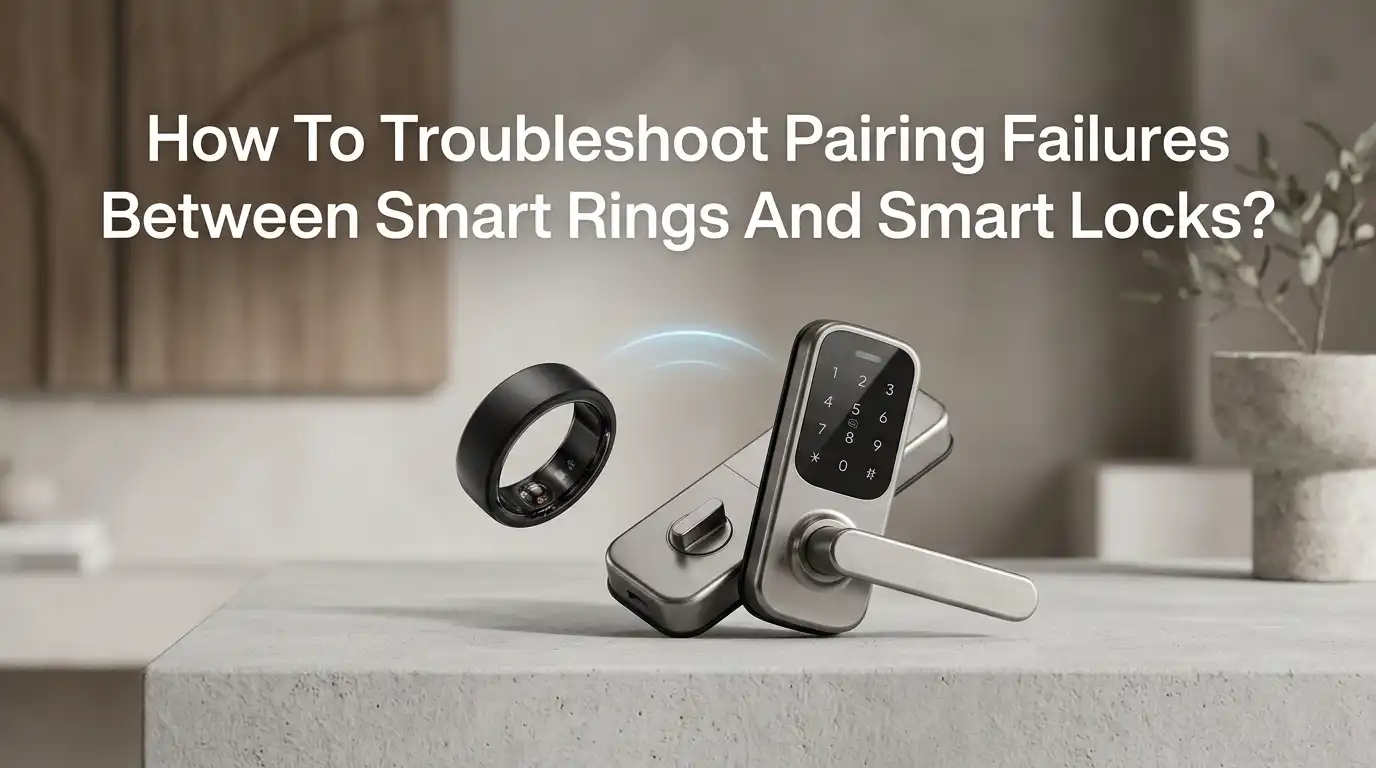
Smart rings make door access feel like magic. You wave your hand, the lock clicks open, and you walk inside. But that magic breaks fast when the ring and the lock refuse to talk to each other. Pairing failures are common, and they happen for many small reasons that stack up together.
This guide walks you through every fix that actually works. You will learn how to spot the real cause, apply the right step, and stop the issue from coming back.
Each section gives you clear actions, pros, and cons. By the end, your smart ring and smart lock should pair smoothly and stay connected for the long run.
Key Takeaways
- Check power first, always. A weak ring battery or low smart lock batteries are the top cause of pairing failures. Charge the ring fully and swap fresh batteries into the lock before trying anything else.
- Confirm the technology match. Some rings use NFC, others use Bluetooth Low Energy, and a few use Z-Wave bridges. Your lock must support the same protocol, or pairing will never succeed.
- Update both apps and firmware. Outdated software causes handshake errors. Open the ring app and the lock app, then install every pending update before pairing again.
- Remove old pairings cleanly. A ghost connection from a previous phone or hub blocks new pairing attempts. Delete the device from Bluetooth settings on every paired phone.
- Reset in the right order. Factory reset the ring first, then the lock, then re-add both inside the hub app. Skipping this sequence creates conflicts.
- Mind the environment. Metal doors, thick walls, and nearby Wi-Fi routers cause signal drops. Move the ring close to the lock during setup for a clean handshake.
Check The Battery Level Of Your Smart Ring
A smart ring uses a tiny battery, and low power is the number one reason pairing fails. The ring may still show a heartbeat light but lack enough juice to broadcast a stable Bluetooth signal. Always charge the ring to 100 percent before pairing.
Place the ring on its charging dock for at least two hours. Watch for the full charge indicator in the companion app. If the app shows the battery stuck below 20 percent even after charging, the cell may be damaged.
Pros: This fix is free, fast, and solves most pairing issues instantly. Cons: A worn out battery cannot be replaced in most smart rings, so you may need a warranty claim. Always charge first because a weak ring sends broken signals that confuse the lock during the handshake process.
Confirm The Smart Lock Has Fresh Batteries
Smart locks use AA or CR123A batteries, and weak cells reduce the Bluetooth radio output. The lock may still beep and turn, but its wireless range shrinks to inches. This is why a lock that worked yesterday may refuse to pair today.
Open the battery cover, remove all cells, and install a fresh matched set. Never mix old and new batteries. Use the brand recommended by the lock maker, since cheap cells often drop voltage under load.
Pros: Fresh batteries restore full radio strength and fix most ghost pairing errors. Cons: Replacement batteries add ongoing cost, and lithium cells can be pricey. After swapping, wait thirty seconds before powering the lock back on. This clears stuck states in the lock controller and gives you a clean slate for pairing.
Verify Protocol Compatibility Between Ring And Lock
Not every smart ring works with every smart lock. Rings use different wireless standards, and the lock must speak the same language. Pairing two devices on different protocols is impossible no matter how many times you try.
Check the ring spec sheet for NFC, Bluetooth Low Energy, or Z-Wave support. Then check the lock manual for the same. NFC rings need a lock with a built in NFC reader. BLE rings need a lock with BLE radio and app support.
Pros: A compatibility check saves hours of failed attempts. Cons: You may discover the two devices simply cannot pair, which means a return or a hub purchase. Some users solve this by adding a smart home hub that bridges different protocols, but that adds setup steps and another point of failure.
Update The Companion App To The Latest Version
Old app versions miss the new pairing handshake codes that recent firmware uses. The lock and ring then fail to negotiate a session. App updates fix bugs that block first time pairing.
Open the App Store or Google Play. Search for both the ring app and the lock app. Tap update on each one. If no update shows, force close the app and reopen the store page to refresh the list.
Pros: Updates often include silent fixes for pairing bugs, and they install in under a minute. Cons: Some updates change the user interface, which can confuse you mid setup. After updating, restart your phone before opening either app. A fresh boot clears cached pairing tokens that may still point to an older session and cause silent errors.
Update Firmware On Both Devices
App updates are not enough on their own. The ring and the lock each run their own firmware, and that code controls the radio. Outdated firmware is a hidden cause of repeated pairing drops.
Open the ring app and look under settings for a firmware update option. Keep the ring on its charger during the update. Then open the lock app and check the device info screen for a firmware version and update button.
Pros: Firmware updates patch security holes and fix radio bugs that cause random disconnects. Cons: Updates can take fifteen to thirty minutes and must not be interrupted. Never close the app, turn off Bluetooth, or remove the ring from the charger during a firmware update. A broken update can brick the device and force a warranty replacement.
Clear Old Bluetooth Pairings From Your Phone
Phones remember every device they have ever paired with. If your ring or lock shows up as a stale entry, the phone tries to reconnect using old keys that no longer match. This silent conflict blocks fresh pairing every time.
Open phone settings, tap Bluetooth, and find both devices in the list. Tap the info icon and select forget or unpair. Do this on every phone that has ever connected to either device.
Pros: Clearing old pairings removes the most common invisible blocker for smart home setups. Cons: You will need to re enter user codes and re grant app permissions after the cleanup. After forgetting the devices, toggle Bluetooth off and on again. This refreshes the phone radio and clears the cached pair list before you start a new handshake.
Factory Reset The Smart Ring
When small fixes fail, a factory reset wipes the ring memory clean. This removes corrupted pairing tokens, broken user profiles, and stuck radio settings. A reset returns the ring to its out of box state.
Most rings reset by holding the side button for twenty seconds while on the charger. Some need a long press on the charger button itself. Check the ring manual for the exact method, since each brand differs.
Pros: A reset solves deep software glitches that no other step can reach. Cons: You lose all health data, custom settings, and saved access codes stored on the ring. Back up any data you need before resetting. After the reset, wait one full minute before starting the pairing flow. This gives the ring radio time to fully initialize and broadcast a clean discovery signal.
Factory Reset The Smart Lock
If the ring reset alone does not fix the issue, reset the lock next. Smart locks store pairing keys in internal memory, and old keys from a previous owner or hub can block new pairings. A clean lock pairs faster and more reliably.
Open the lock cover and find the reset button or pinhole. Hold it for ten to twenty seconds until the lock beeps or the LED flashes. Some locks need a button press inside the keypad menu instead.
Pros: A reset clears anti theft locks left behind by old smart home systems like Vivint or SmartThings. Cons: You must re enroll every user, code, and schedule from scratch. Many users skip this step because it feels heavy, but it is often the only fix for a lock that connects but refuses to operate after pairing.
Move Closer And Reduce Radio Interference
Bluetooth and NFC work over very short ranges. Walls, metal doors, and crowded radio bands shrink that range further. A ring that pairs from across the room may fail when held against the lock.
For initial pairing, stand within three feet of the lock. Move other electronics away, including Wi-Fi routers, microwaves, and baby monitors. These devices crowd the 2.4 GHz band and create dropouts.
Pros: Reducing interference is free and often solves intermittent pairing without any reset. Cons: You cannot always move the router or relocate the lock. If interference keeps blocking you, try pairing at night when fewer devices are active. A quieter radio environment gives the handshake a much higher chance of completing on the first attempt.
Check App Permissions On Your Phone
Modern phones lock down permissions to protect privacy. If the ring or lock app cannot access Bluetooth, location, or nearby devices, pairing will fail silently. The app may show a generic error with no clue about the real cause.
Open phone settings, find the app, and tap permissions. Enable Bluetooth, Location, Nearby Devices, and Notifications. On iPhone, also check Local Network access under privacy settings.
Pros: Granting permissions takes seconds and fixes a huge class of silent pairing failures. Cons: Some users dislike granting location access, but Bluetooth pairing on Android legally needs it. After enabling permissions, force close the app and reopen it. The new permissions only take full effect on a fresh app launch, not while the app is still running in the background.
Use A Hub Or Bridge When Direct Pairing Fails
Some smart rings and smart locks need a middleman to communicate. A hub speaks both protocols and translates between them. Without a hub, certain pairings are simply not possible.
Common hubs include SmartThings, Hubitat, Amazon Echo with Zigbee, and Apple HomePod with Thread. Add the lock to the hub first, then add the ring or its automation trigger inside the same app.
Pros: A hub unlocks features like remote control, schedules, and cross device automations. Cons: Hubs add cost, setup time, and one more device that can fail. If your hub goes offline, your ring may lose access until the hub reboots. Always place the hub within thirty feet of the lock so the wireless signal stays strong and pairing holds steady over time.
Frequently Asked Questions
Why does my smart ring pair once and then disconnect?
This usually points to a weak battery or firmware bug. Charge the ring fully, update its firmware, and forget the device on your phone before pairing again. Also check that your phone is not killing the app in the background, since aggressive battery savers can drop the connection without warning.
Can any smart ring unlock any smart lock?
No. The ring and lock must share the same wireless protocol. NFC rings work only with NFC capable locks, and Bluetooth rings need Bluetooth locks. Always check the spec sheet for both devices before buying. A hub can bridge some gaps, but not all.
Is it safe to use a smart ring to unlock my door?
Most smart rings use encrypted protocols, which makes casual cloning hard. Still, some older NFC rings broadcast a static ID that skilled attackers can copy. Pick a ring with rolling codes or strong encryption, and keep its firmware updated to patch known security holes.
How long should pairing take?
A normal pairing finishes in under two minutes. If the app spins for longer than five minutes, something is wrong. Cancel the attempt, restart both devices, and try again. Long pairing times almost always mean a permission, range, or firmware problem.
Will resetting my smart lock erase my user codes?
Yes. A factory reset wipes all saved codes, fingerprints, and schedules. Write down your codes before resetting, or export them from the lock app if that feature exists. After the reset, you will need to add every user again from scratch.
What if nothing works?
Contact support for both the ring maker and the lock maker. Share the exact error messages and the steps you have tried. Many brands replace defective units under warranty, and support agents can sometimes push a remote firmware fix that solves stubborn pairing issues.

Hi, I’m Pearl Standen, the voice behind The Web Utility. I’m a passionate tech enthusiast who loves exploring the latest gadgets, smart devices, and electronics that make everyday life easier. Through my website, I share honest, well-researched reviews of trending Amazon products to help you make smarter buying decisions.